Latest release v1.5.2 is live

Find Any Page You’ve Seen

AI search for your browser history, not just URLs

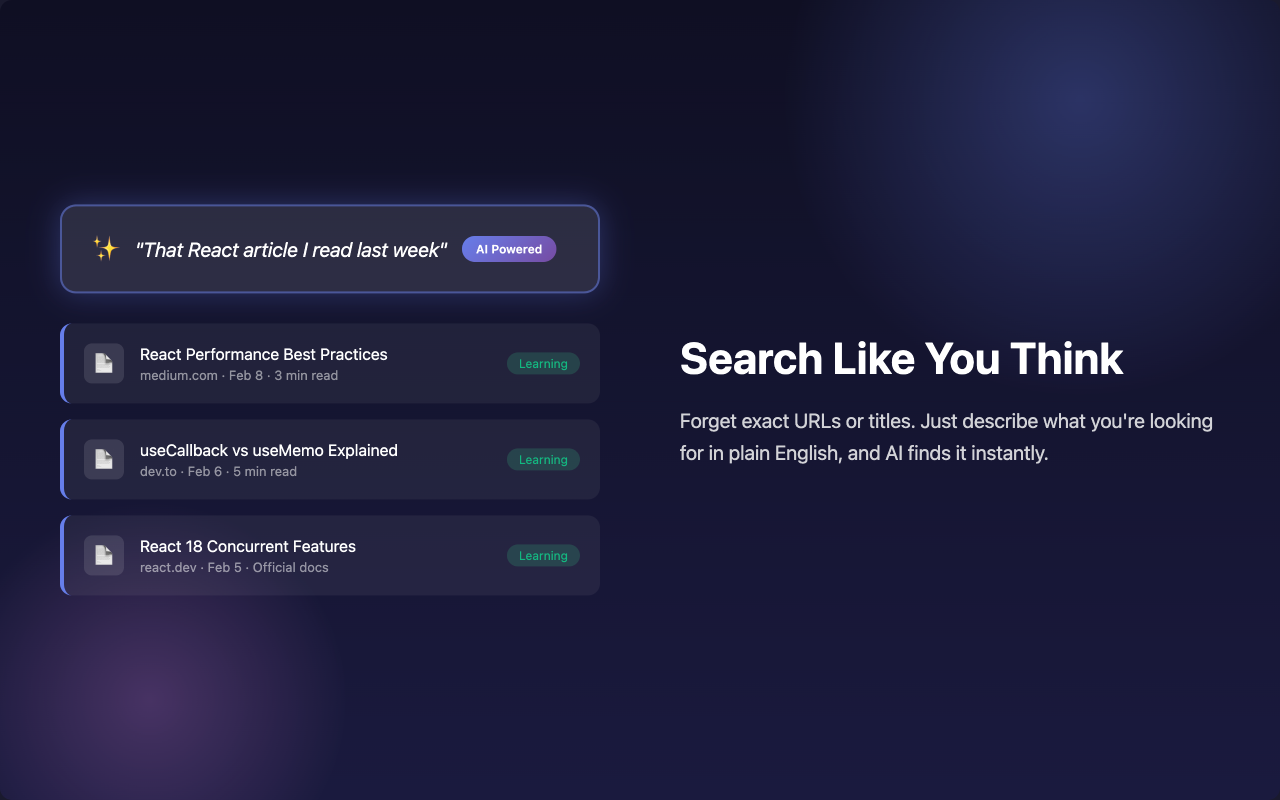
Search your browsing history by memory, topic, and time range, even when you forgot the exact URL.

Natural-language recall Search by memory, time range, topic, and page context.
Local-first memory Page content stays on-device by default for better privacy.
Manual install ready Chrome, Edge, and Chromium browsers can load the ZIP build.

What’s New in v1.5.2

Better answers, better recall, easier installation.

Streaming AI Answers

See answers appear in real time instead of waiting for one full response block.

🧠

Smarter Cross-Date Search

Better understanding of today, yesterday, last week, recent 7 days, and explicit date ranges.

📝

Markdown + Bigger Chat

Markdown answers, cleaner links, and larger chat layouts for deeper search sessions.

Core Features

Built for people who remember pages, not URLs.

🔍

Search by Memory

Ask for “the AI pricing page I read yesterday” and get likely matches fast.

💬

Ask Questions About Your Week

Ask what you looked at last week, which tools you compared, or what kept coming up.

📚

Use Page Context

Page context helps ranking when titles are vague, repeated, or impossible to remember.

Why Not Just Use Default History?

Because raw history is built for exact matches. Recall AI is built for fuzzy memory.

Default Browser History

  • Works best when you remember the title or URL
  • Weak for “the page I saw last week” style searches
  • Hard to recover pages from research sessions

What Users Say

Real value shows up when users stop searching twice and get back to the right page faster.

“This is the first history tool that actually works when I only remember the topic and roughly when I read it.”

Mason T., founder

“I stopped reopening Google to re-find pages. Recall AI gets me back to the right tab much faster.”

Olivia R., recruiter

“The weekly browsing questions are surprisingly useful. It feels closer to search by memory than search by keyword.”

Daniel C., graduate student

Product Screens

A compact popup, a larger dashboard, and an AI-first chat flow for fast recall.
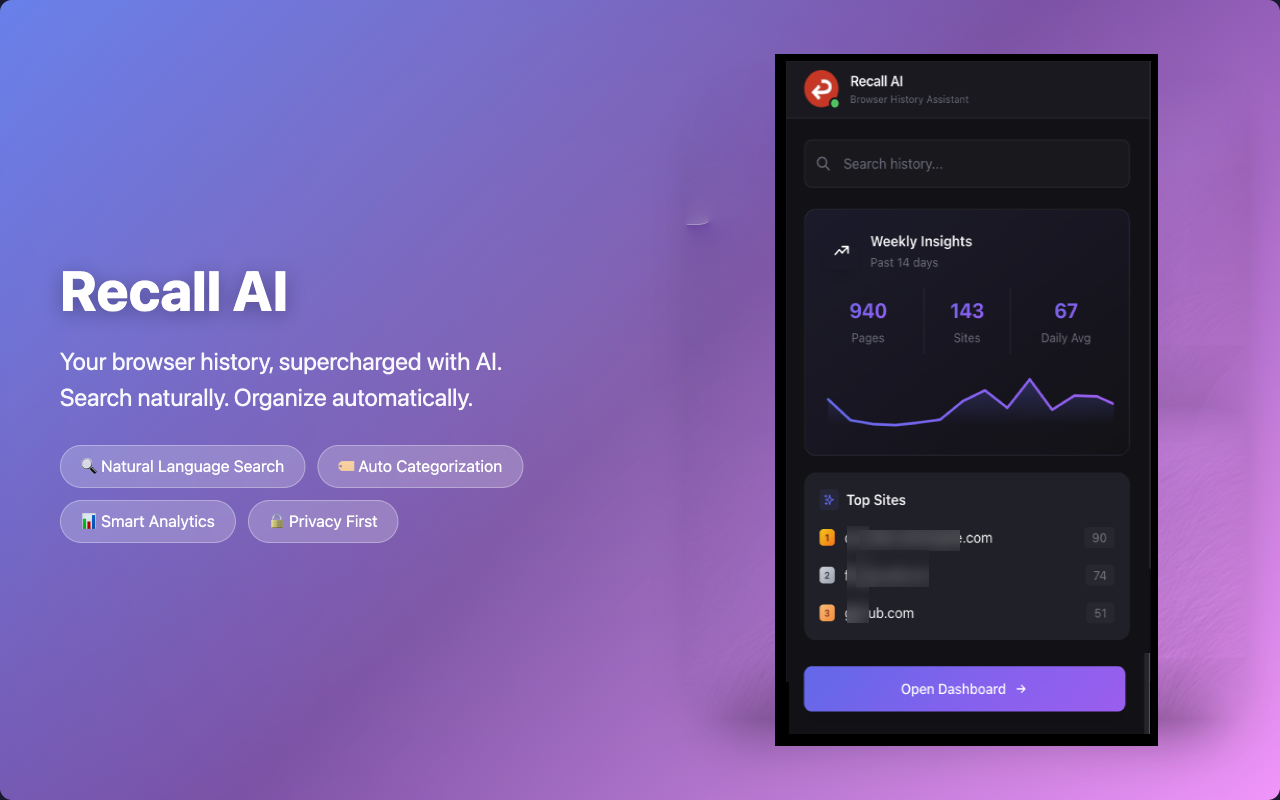
Recall AI smart search interface

AI Search

Ask what you remember instead of hunting through old tabs.
Recall AI history dashboard

History Workspace

Review results, trends, and recent browsing activity in one place.

Choose Your Install Path

Store install is the default. ZIP is for users who want the latest build right away.

Edge

Edge Add-ons

Install from Microsoft Edge Add-ons if Edge is your main browser.

Install on Edge
Recall AI ZIP package

Direct ZIP Download

Latest manual package for Chrome, Edge, Brave, Arc, and other Chromium browsers.

Download v1.5.2 ZIP
Manual install required. Unzip first, then load the unpacked extension.

Quick Install Guide

Store is easiest. ZIP is fastest for the newest build.

Option A: Browser Store

  1. Open the Chrome Web Store or Edge Add-ons link above.
  2. Click Add to Chrome or Get.
  3. Pin Recall AI in your browser toolbar.
  4. Open it and start searching your history with plain language.

Option B: ZIP Manual Install

  1. Download recall-ai-v1.5.2.zip and unzip it locally.
  2. Open chrome://extensions or edge://extensions.
  3. Enable Developer mode.
  4. Click Load unpacked and choose the unzipped folder.

Browsers do not install an unsigned ZIP directly. You need to unzip it first and load the unpacked folder.

Quick Answers

The questions that matter before you install.

Which install option should I choose?

Use the store version if you want the easiest install and automatic updates. Use the ZIP package if you want the newest build immediately.

Which browsers are supported?

Chrome and Edge are the main targets. The ZIP build also works in Chromium-based browsers that support loading unpacked extensions.

Does the ZIP update automatically?

No. Manual installs need to be updated manually. If automatic updates matter, use the browser store version.